01.ABR / .ATN · Photoshop Brush Libraries & Action Macros
FREE OFFLINE .ABR / .ATN STUDIO · PHOTOCRAFT v0.12.0
Windows 10/11 (ArteCraft.exe 7.4 MB) · Browser WebAssembly · 56 MB Native Rust
Import .ABR Brushes & .ATN Actions Free in PhotoCraft.
Illustrators and retouchers often stay trapped in Adobe subscriptions solely because they own hundreds of custom .ABR brush packs and .ATN automation actions.
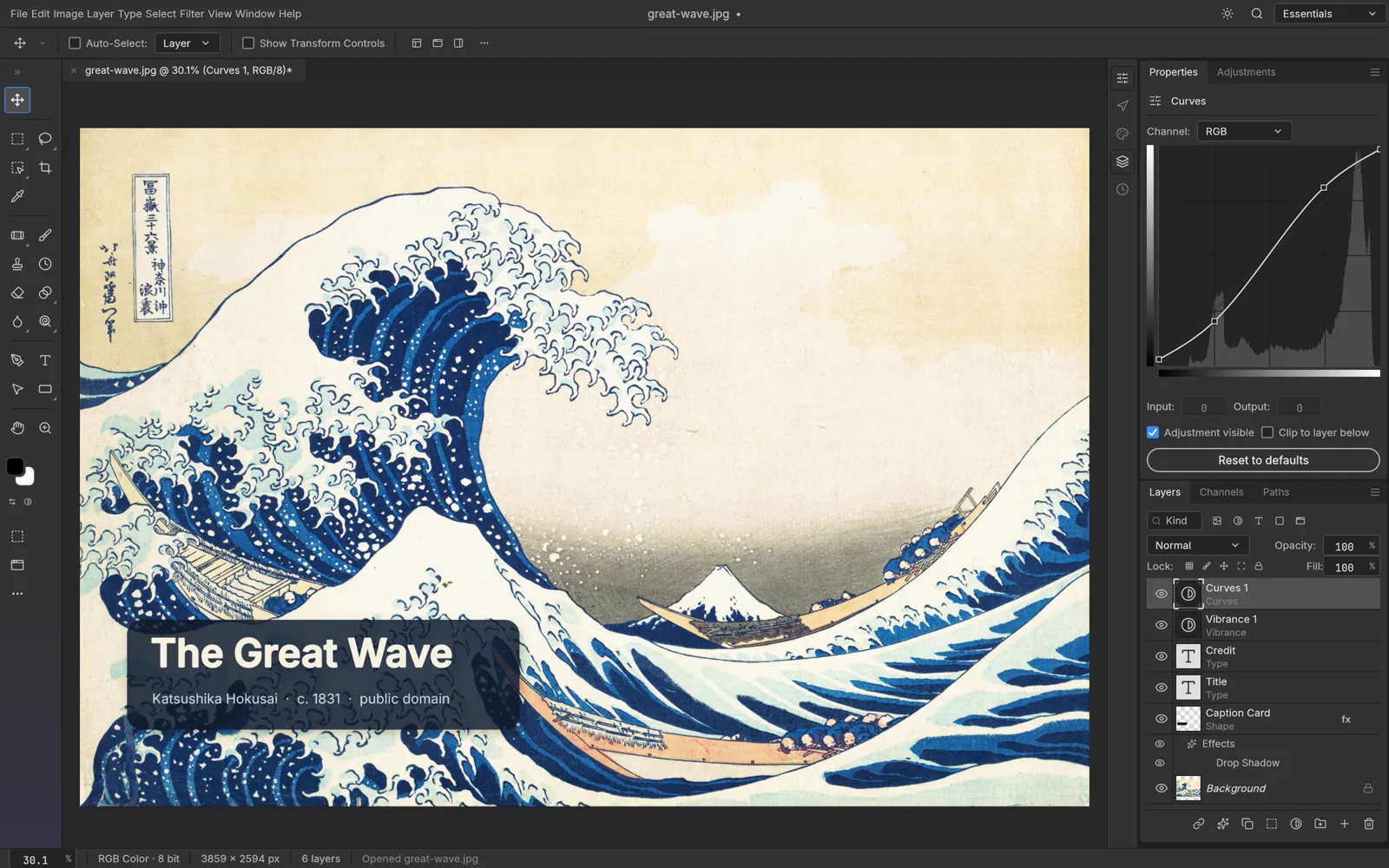
02How to Open & Edit .ABR / .ATN
Open PhotoCraft Brush Studio (Shortcut B)
Launch PhotoCraft and open the Brush Presets dock on the right rail.
Import your existing .ABR or .ATN files
Select Import Library and pick your .abr brush packs or .atn macro files.
Paint at 120 FPS with hardware GPU acceleration
Enjoy zero-latency strokes with full pressure curves and 16-bit color blending.
Format Compatibility — .ABR / .ATN
- ✓Direct drag-and-drop import of legacy and modern .ABR brush tip libraries
- ✓Stylus pressure, tilt, velocity, scatter, and dual-brush dynamics on WGPU
- ✓Batch execution of .ATN retouching action steps and LUT color grades
- ✓Zero lag on 4K/5K pen displays (Wacom, Huion, XP-Pen, Surface Pen Windows Ink)
03Frequently Asked Questions
Do my paid Procreate or Photoshop .ABR brush packs work in PhotoCraft?
Standard raster tip .ABR brush libraries import directly with spacing, jitter, opacity pressure, and flow dynamics preserved.
Related Workflows: