01.FIG / UI TOKENS · UI Component & Prototype Canvas
FREE OFFLINE .FIG / UI TOKENS STUDIO · FIGCRAFT v0.9.0
Windows 10/11 (ArteCraft.exe 7.4 MB) · Browser WebAssembly · 46 MB Native Rust
Design UI Systems & Open .FIG Files Offline With FigCraft.
Figma locks all your product design work inside browser tabs, charges per-seat Dev Mode fees, and leaves you stranded without internet.
FigCraft v0.9.0 — Authentic Native Capture
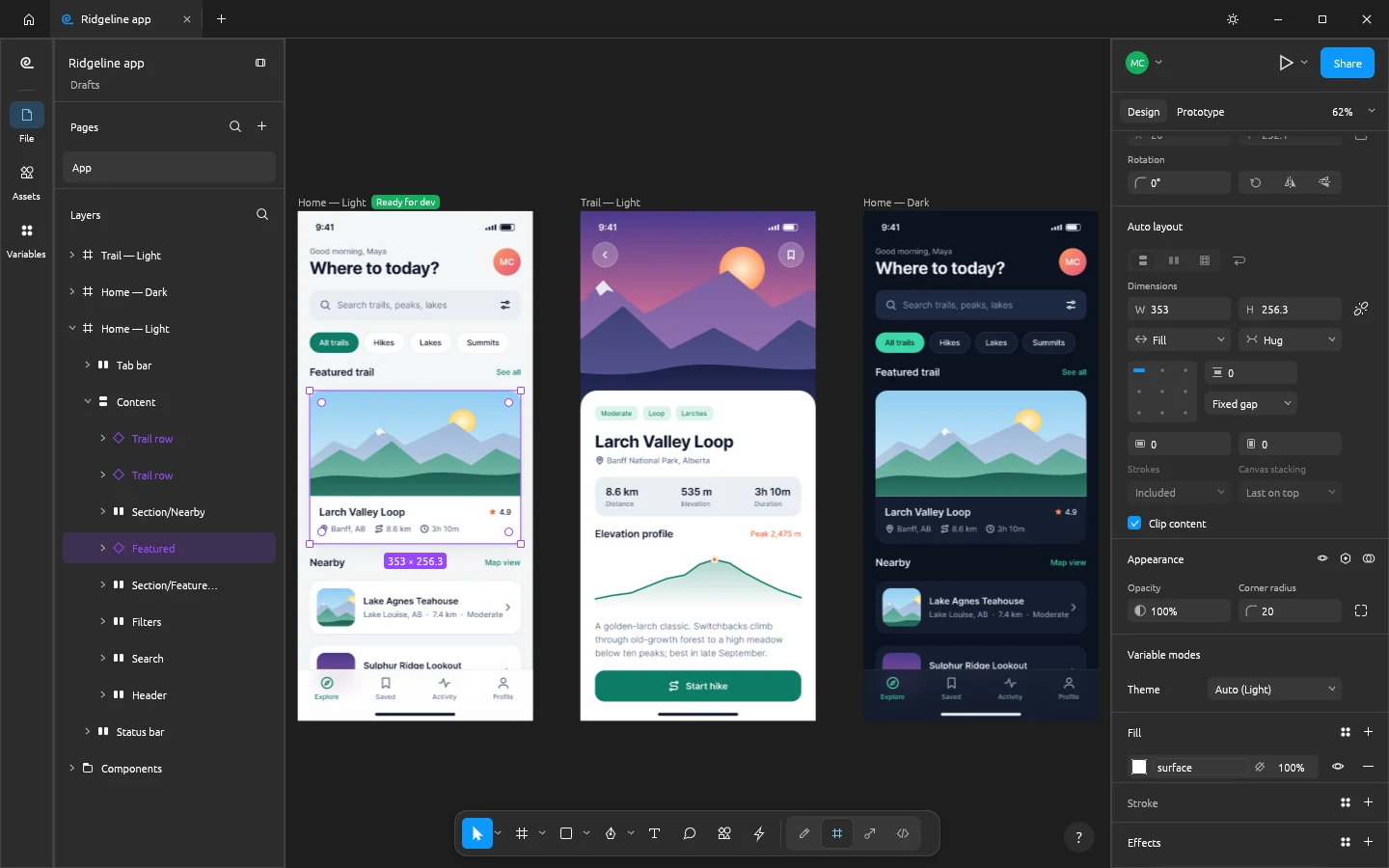
Runs 100% on your device via WebAssembly — zero files uploaded to any server.46 MB RUST · 120 MB RAM
02How to Open & Edit .FIG / UI TOKENS
STEP 01
Install FigCraft (19 MB)
Native WGPU infinite canvas running at 120 FPS.
STEP 02
Import .FIG / .SVG assets or build auto-layout components
Everything saves directly to your local disk.
STEP 03
Inspect CSS / Tailwind specs for free — no Dev Mode fee
Built-in MCP server lets Claude Code or Cursor generate UI straight from your frames.
Format Compatibility — .FIG / UI TOKENS
- ✓Auto-layout stacks, responsive constraints, reusable component variants, and design tokens
- ✓100% local files you can commit straight to Git alongside your codebase
- ✓Direct CSS Flexbox, Tailwind utility, and clean SVG code inspection
03Frequently Asked Questions
Is developer CSS/Tailwind inspection free in FigCraft?
100% free — there are no seats, teams, or Dev Mode paywalls.