01.DOCX / .ODT / .TEX · Microsoft Word Open XML Document
FREE OFFLINE .DOCX / .ODT / .TEX STUDIO · WORDCRAFT v0.9.0
Windows 10/11 (ArteCraft.exe 7.4 MB) · Browser WebAssembly · 82 MB Native Rust
Open & Edit .DOCX Documents Offline Without Microsoft 365.
New Windows laptops immediately nag for a Microsoft 365 subscription just to edit a .DOCX resume or legal contract, while legacy free suites feel sluggish and dated.
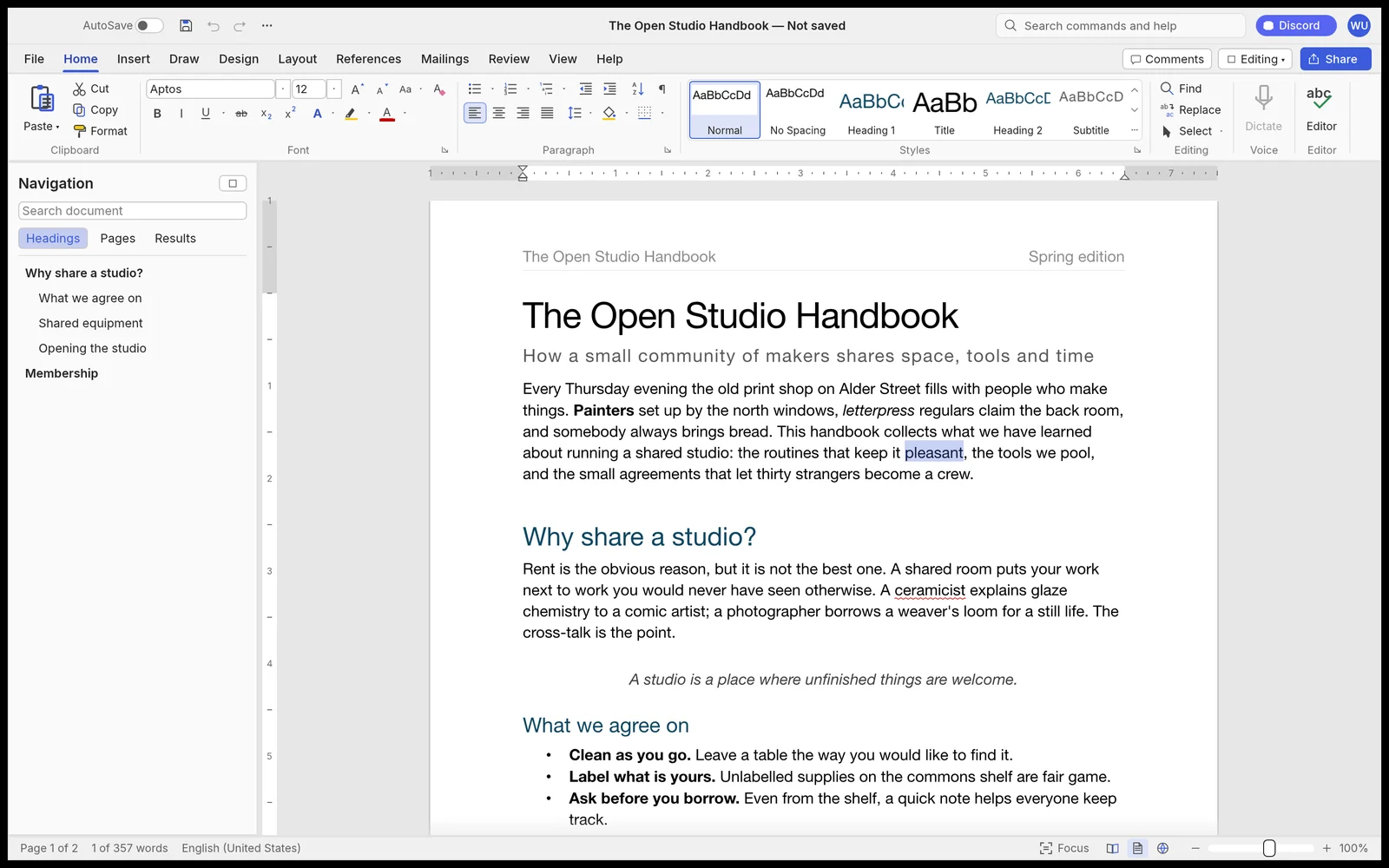
02How to Open & Edit .DOCX / .ODT / .TEX
Download WordCraft via ArteCraft Launcher
Lightweight 19 MB binary — no Microsoft account or OneDrive login needed.
Open any .DOCX, .ODT, .MD, or .RTF document
Formatting, tables, footnotes, and tracked revisions render cleanly.
Save back to .DOCX or instant print-ready .PDF
Send files to Word users with full bidirectional compatibility.
Format Compatibility — .DOCX / .ODT / .TEX
- ✓High-fidelity OOXML (.docx) layout engine with styles, headers, footers, and tables
- ✓Full Track Changes redlining and margin comments compatible with Microsoft Word
- ✓Built-in LaTeX (.tex) math equations, BibTeX citations, and Markdown export
- ✓Cold start in 0.3 seconds using only ~65 MB of RAM
03Frequently Asked Questions
Will Microsoft Word users see my Track Changes from WordCraft?
Yes. WordCraft writes standard OOXML revision markup so Word and Google Docs display author edits and comments natively.
Related Workflows:
VIDEO EDITOR FOR LOW END
Fast 4K Video & Photo Editor for Low-End Windows PCs & 8 GB RAM Laptops
EDIT PDF OFFLINE WITHOUT
Private Offline PDF Editor — Merge, OCR, Sign & Redact Without Uploading Files
MODERN LIBREOFFICE ALTER
Modern Fast Free Office Suite With Native Dark Mode (LibreOffice & WPS Alternative)