01.WAV / .FLAC / VST3 · Lossless Studio Audio & Multitrack
FREE OFFLINE .WAV / .FLAC / VST3 STUDIO · SOUNDCRAFT v0.11.0
Windows 10/11 (ArteCraft.exe 7.4 MB) · Browser WebAssembly · 48 MB Native Rust
Record, Mix & Master .WAV / .FLAC Multitrack Audio Free Offline.
Pro Tools charges $299/yr with iLok DRM dongles, while Audacity lacks modern non-destructive real-time multitrack bus mixing.
SoundCraft v0.11.0 — Authentic Native Capture
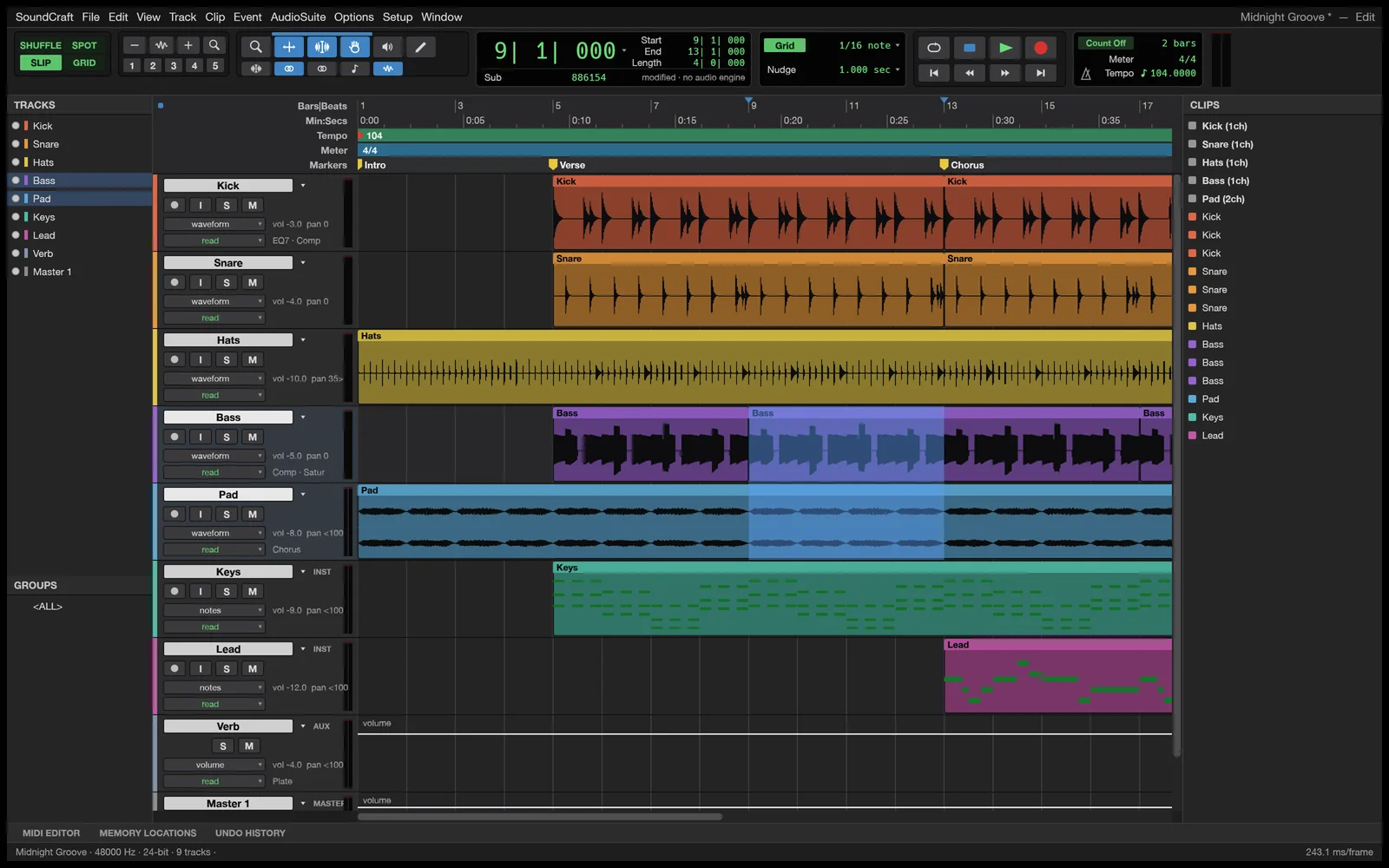
Runs 100% on your device via WebAssembly — zero files uploaded to any server.48 MB RUST · 90 MB RAM
02How to Open & Edit .WAV / .FLAC / VST3
STEP 01
Launch SoundCraft (24 MB)
Zero iLok drivers or background DRM services.
STEP 02
Arm mic inputs or drop .WAV / .FLAC / .MP3 stems
Mix non-destructively with real-time EQ, compression, and sends.
STEP 03
Bounce broadcast-ready 24-bit WAV, FLAC, or MP3
Integrated -14 / -16 LUFS normalization.
Format Compatibility — .WAV / .FLAC / VST3
- ✓Low-latency Windows WASAPI & ASIO multitrack recording plus WebAudio WASM playback
- ✓64-bit internal summing engine with parametric EQ, compressor, limiter, and VST3/CLAP
- ✓Sample-accurate waveform editing + LUFS loudness metering for podcasts & mastering
03Frequently Asked Questions
Can SoundCraft load third-party VST3 plugins?
Yes, SoundCraft scans local VST3 and CLAP audio plugin folders on Windows 10 and Windows 11.