01LINUX NATIVE (.APPIMAGE & .TAR.GZ) · WORDCRAFT v0.9.0
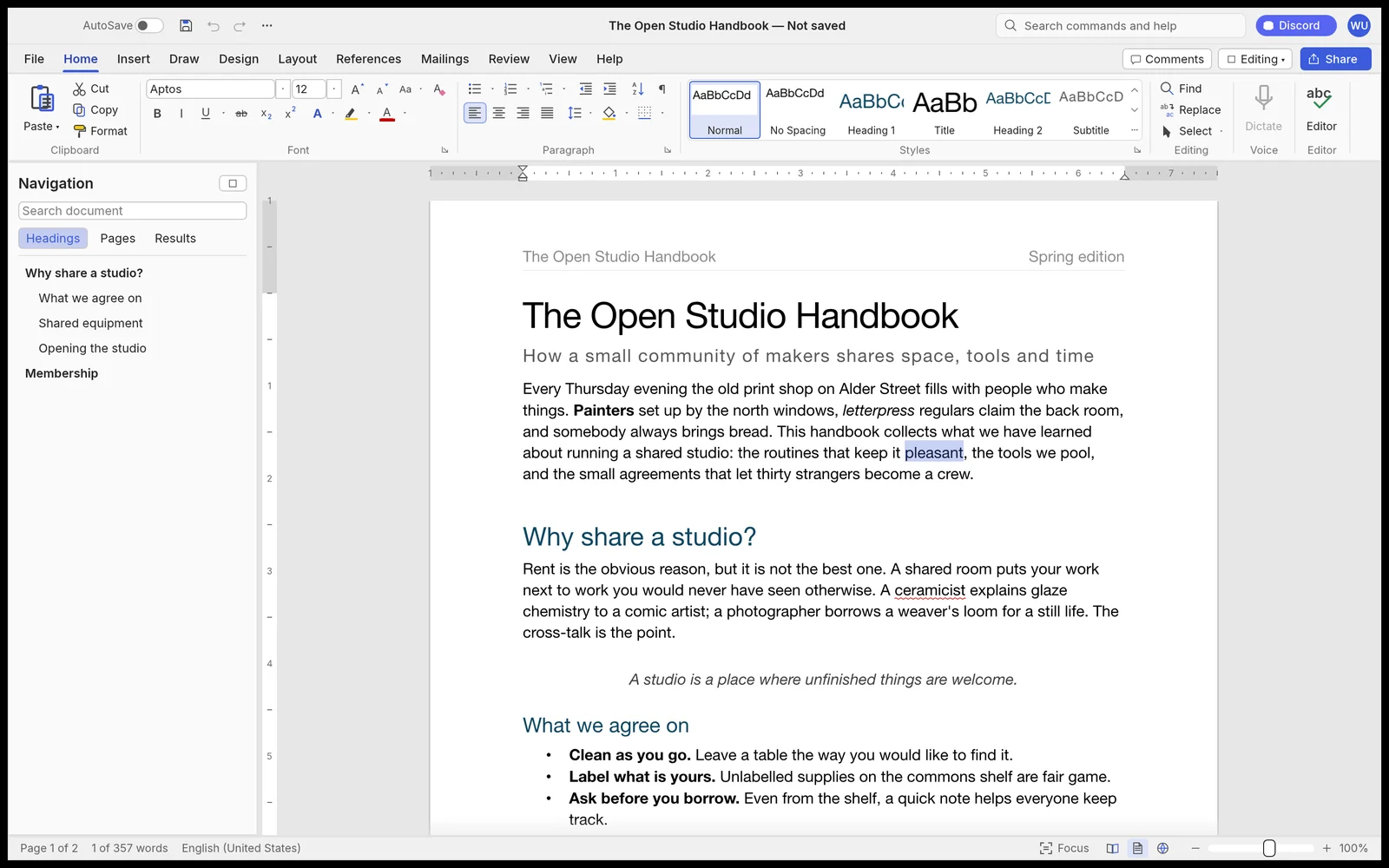
WordCraft for Linux — Native Microsoft Word Alternative Without Wine
Run WordCraft v0.9.0 natively on Ubuntu, Fedora, Arch & Debian without Wine. Free open-source Rust + Vulkan Microsoft Word alternative with native .docx, .doc, .odt, .rtf, .md, .tex support.
02VULKAN WAYLAND / X11 & DISTRO COMMANDS
WordCraft v0.9.0 Native Linux Capabilities
- ✓Faithful .docx read & write with styles, multi-column page layout & headers
- ✓Full Track Changes, margin comments, citations, bibliography & CSV Mail Merge
- ✓Zero Microsoft account, zero OneDrive forced sync, zero background telemetry
- ✓Opens instantly in under 0.2 seconds thanks to pure Rust GPU text shaping
- ✓Native LaTeX (.tex) and Markdown bidirectional authoring
Zero-Wine Native Vulkan Execution on Any Distro
Every studio compiles directly to native Linux ELF binaries (Wayland & X11). Use the portable .tar.gz on Ubuntu 22.04/24.04 without installing libfuse2, or chmod +x the .AppImage:
# Zero-FUSE Portable .tar.gz (Ubuntu 22.04/24.04, Debian, Fedora, Arch)
tar -xzf wordcraft-0.9.0-linux-x86_64.tar.gz
./wordcraft-0.9.0-linux-x86_64/bin/wordcraft
Formats: .docx, .doc, .odt, .rtf, .md, .tex → Export: .docx, .pdf, .html, .epub, .md, .txt
03FAQ
Does WordCraft require Wine, Bottles, or Proton on Linux?
No. WordCraft is compiled natively for Linux (glibc x86_64 & ARM64) with Vulkan/OpenGL GPU acceleration, native Wayland/X11 windowing, and PipeWire/ALSA audio.
What if an .AppImage does not open on Ubuntu 22.04 or 24.04?
Ubuntu 22.04+ omits libfuse2 by default. Download the portable .tar.gz build (or install via the ArteCraft Linux launcher, which uses .tar.gz automatically) for instant zero-FUSE execution.