01MACOS UNIVERSAL .DMG · GRIDCRAFT v0.10.0
GridCraft for macOS — Free Native Microsoft Excel Replacement on Apple Silicon & Intel
Download GridCraft v0.10.0 Universal .DMG for macOS. Free open-source Apple Silicon Metal GPU replacement for Microsoft Excel supporting .xlsx, .xls, .csv, .tsv, .ods, .parquet offline with $0 subscription.
02APPLE METAL & FORMAT SUPPORT
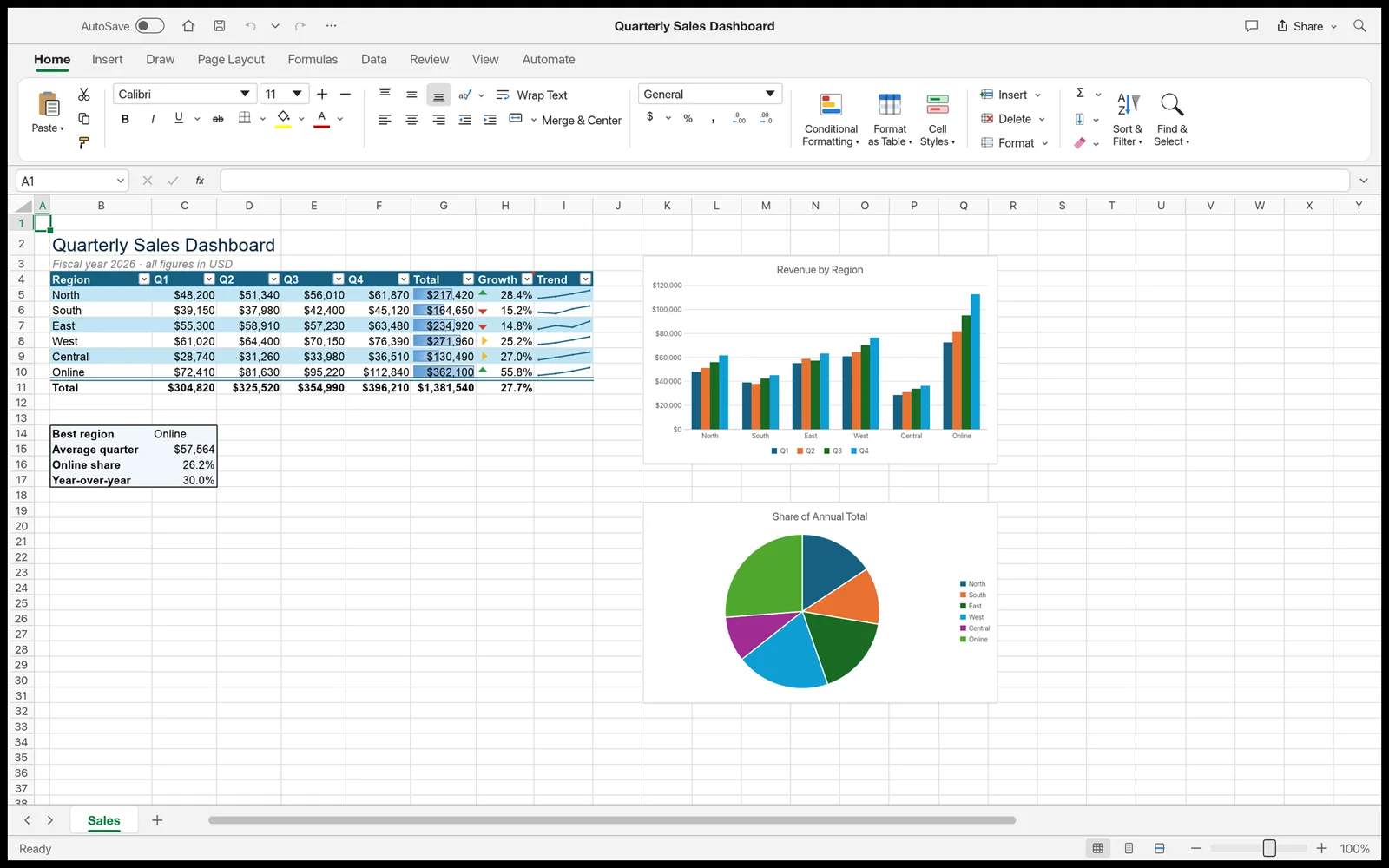
GridCraft v0.10.0 on macOS 12–15
- ✓Multi-threaded Rust formula engine supporting 400+ Excel functions (XLOOKUP, INDEX/MATCH, dynamic arrays)
- ✓Scrolls 1,000,000+ rows at 120 FPS without freezing — opens massive .csv & .parquet files
- ✓Pivot tables, conditional formatting, sparklines, and publication-grade charts
- ✓Full .xlsx round-trip compatibility without Microsoft 365 licensing nag screens
- ✓Direct SQL & AI agent MCP query interface over open workbooks
First Launch on macOS (Apple Silicon & Intel)
Open the Universal .DMG, drag ArteCraft.app to /Applications, and clear the unsigned open-source quarantine flag once in Terminal if macOS Gatekeeper prompts:
# macOS Terminal (M1/M2/M3/M4 & Intel)
xattr -cr /Applications/GridCraft.app
open -a /Applications/GridCraft.app
Formats: .xlsx, .xls, .csv, .tsv, .ods, .parquet → Export: .xlsx, .csv, .pdf, .json, .parquet
03FAQ
Does GridCraft run natively on Apple Silicon M1, M2, M3, and M4 Macs without Rosetta?
Yes. GridCraft ships as a Universal macOS binary containing native ARM64 machine code and Apple Metal wgpu shaders alongside x86_64 support for Intel Macs.
How do I bypass the macOS Gatekeeper warning on community open-source builds?
Right-click the app in /Applications and choose Open, or run xattr -cr /Applications/ArteCraft.app once in macOS Terminal.